
Written by:
Devansh Tripathi
Published in:
October 12, 2025
Read Time:
14 minutes
Categories:
Customer Success
Top 10 alternatives to Gainsight in 2026
Gainsight pioneered the CS platform category and remains the enterprise heavyweight. But as teams evaluate whether they need a platform that can do everything or one that does the right things intelligently, the cracks are showing. Most CS platforms—Gainsight included—give you tools to build workflows and analyze data. The best CS teams need platforms that automate workflows intelligently and act on data without requiring an army of CS Ops people.
That requires more than comprehensive features and extensive configuration options. It requires AI that eliminates the need for manual workflow building: auto-detecting churn signals, flagging expansion opportunities, enriching CRMs from conversations, and identifying competitor threats—all without requiring CS Ops teams to configure rules and triggers.
Gainsight offers enterprise-grade everything: workflows, reporting, governance, community, documentation. It can handle thousands of accounts across complex segments with sophisticated automation. But this power comes with serious tradeoffs: $100k+ pricing, 3-6 month implementations, requiring multiple dedicated CS Ops people, painfully slow performance, declining support quality after layoffs, and recent Salesforce integration issues.
Why teams choose Gainsight
Enterprise Scale: Handles thousands of accounts across complex hierarchies
Comprehensive Features: Every CS use case built over years of development
Deep Governance: Multi-layered approvals, role-based permissions, audit trails
Strong Community: Vast knowledge base of best practices and templates
Journey Orchestrator: Complex customer journeys with sophisticated branching logic
Mature Platform: Established integrations and proven at scale
Why teams leave Gainsight
Expensive: $100k+ annually prices out mid-market companies
Requires Multiple CS Ops People: Can't extract value without dedicated operations teams
3-6 Month Implementation: Painfully long time to productivity
Performance Issues: Reports taking 30+ seconds to load frustrates users
Declining Support: Recent layoffs have degraded support quality
Salesforce Integration Problems: Recent sync issues creating data inconsistencies
Manual Intelligence: You build all the workflows; platform doesn't think for you
Platform Comparison: What Sets HQ1 Apart
Capability | HQ1 | Gainsight | Planhat | ChurnZero | Totango | Custify |
|---|---|---|---|---|---|---|
AI That Acts (not manual rules) | ✅ Auto-acts on data | ❌ Manual workflows | ❌ Manual workflows | ❌ Manual workflows | ❌ Manual workflows | ❌ Manual workflows |
Implementation Time | 4-10 days | 3-6 months | 8-16 weeks | 3 months | 2-4 months | 4-8 weeks |
CS Ops Team Required | ❌ | ✅ Multiple people | ✅ Required | Helpful | Helpful | 1 person |
Automatic CRM Enrichment | ✅ All conversations | Partial | ❌ Manual | ❌ Manual | ❌ Manual | ❌ Manual |
Competitor Detection | ✅ Across all channels | ❌ | ❌ | ❌ | ❌ | ❌ |
Performance | Fast | Slow (30s+ reports) | Moderate | Fast | Moderate | Fast |
Support Quality | High-touch | Declined after layoffs | Excellent | Excellent | Mixed | Responsive |
Pricing | On request | $100k+/yr | $60k-$180k/yr | $28k-$75k/yr | $50k-$150k/yr | $20k-$60k/yr |
Best For | Revenue-focused CS without ops burden | Large enterprises with CS Ops teams | Mid-market with ops resources | Mid-market automation | Salesforce-centric | Mid-market flexibility |
1. HQ1
HQ1 delivers enterprise intelligence without Gainsight's operational burden. While Gainsight gives you tools to build everything, HQ1's AI agents work immediately—detecting expansion signals, flagging competitors, predicting churn, and enriching CRMs automatically. Best for teams wanting Gainsight's sophistication without the 3-6 month implementation and multiple CS Ops people.
What Makes HQ1 Unique
Intelligence Without Ops Burden: AI agents detect patterns and take action automatically—no need to build rules, configure triggers, or maintain complex workflows.
4-10 Days to Productivity: vs. Gainsight's 3-6 months. Pre-built AI agents work immediately instead of requiring months of configuration.
Automatic Action: AI enriches CRMs from conversations, flags competitor mentions across channels, detects expansion signals from product + sentiment, predicts churn without manual rule building.
No CS Ops Team Required: What takes Gainsight multiple dedicated people to configure works out of the box with HQ1.
How it Compares to Gainsight
Gainsight gives you tools to build anything; HQ1 gives you intelligence that works immediately. Gainsight requires multiple CS Ops people spending months building workflows; HQ1's AI agents act automatically. Gainsight makes you configure health scores; HQ1's AI learns what predicts churn from your data. Choose Gainsight if you need maximum governance and have unlimited ops resources. Choose HQ1 if you want intelligence without the burden.
Drawbacks
Newer platform means smaller community than Gainsight's massive user base
Less deep governance controls than Gainsight's enterprise features
AI depends on data quality across integrations
Best Suited For
Mid-market to enterprise teams wanting sophisticated CS intelligence without dedicating multiple people to platform operations and configuration.
Pricing
Available on request
Implementation Time
4-10 days
2. Planhat
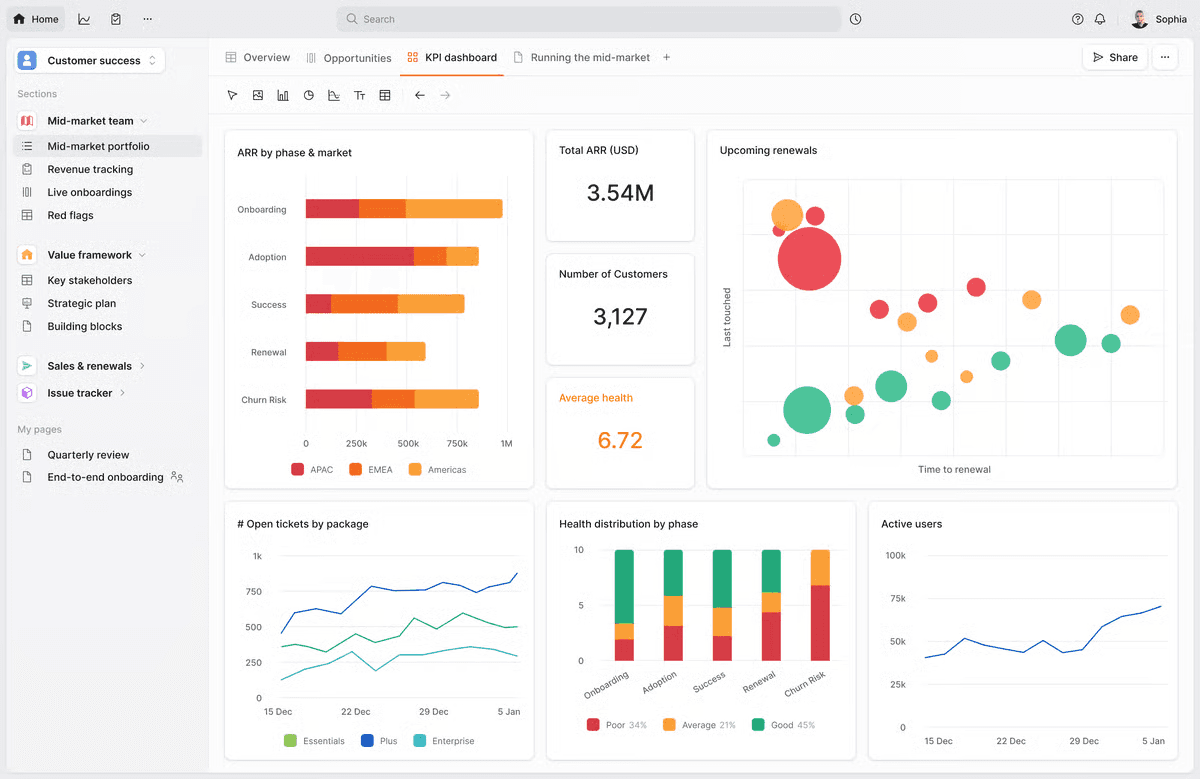
Planhat offers enterprise functionality with faster implementation and lower cost than Gainsight. Where Gainsight takes 3-6 months, Planhat takes 8-16 weeks. Where Gainsight requires multiple CS Ops people, Planhat needs one good ops person. Best for teams wanting enterprise capabilities without Gainsight's extreme overhead.
What Makes Planhat Unique
Beautiful + Powerful: Sleek UI that doesn't sacrifice functionality—Gainsight's interface feels dated by comparison.
No Per-Seat Pricing: Predictable costs vs. Gainsight's escalating per-seat model.
Faster Implementation: 8-16 weeks vs. 3-6 months, though still significant.
Better Performance: Pages load faster than Gainsight's sluggish reports.
How it Compares to HQ1
Planhat offers customization requiring ops expertise; HQ1 delivers intelligence out of the box. Planhat gives you tools to build health models; HQ1's AI automatically detects what predicts churn. Planhat needs weeks of configuration; HQ1 works in days. Choose Planhat if you have ops resources and love customization; choose HQ1 for intelligence without manual workflow building.
Drawbacks

Still requires dedicated CS Ops person to configure properly
$60k-$180k pricing, though lower than Gainsight
8-16 week implementation still lengthy
Performance issues with very large datasets
Best Suited For
Mid-market to enterprise teams with one strong CS Ops person wanting Gainsight-level functionality at lower cost and faster implementation.
Pricing
$60k–$180k/year
Implementation Time
8-16 weeks
3. ChurnZero
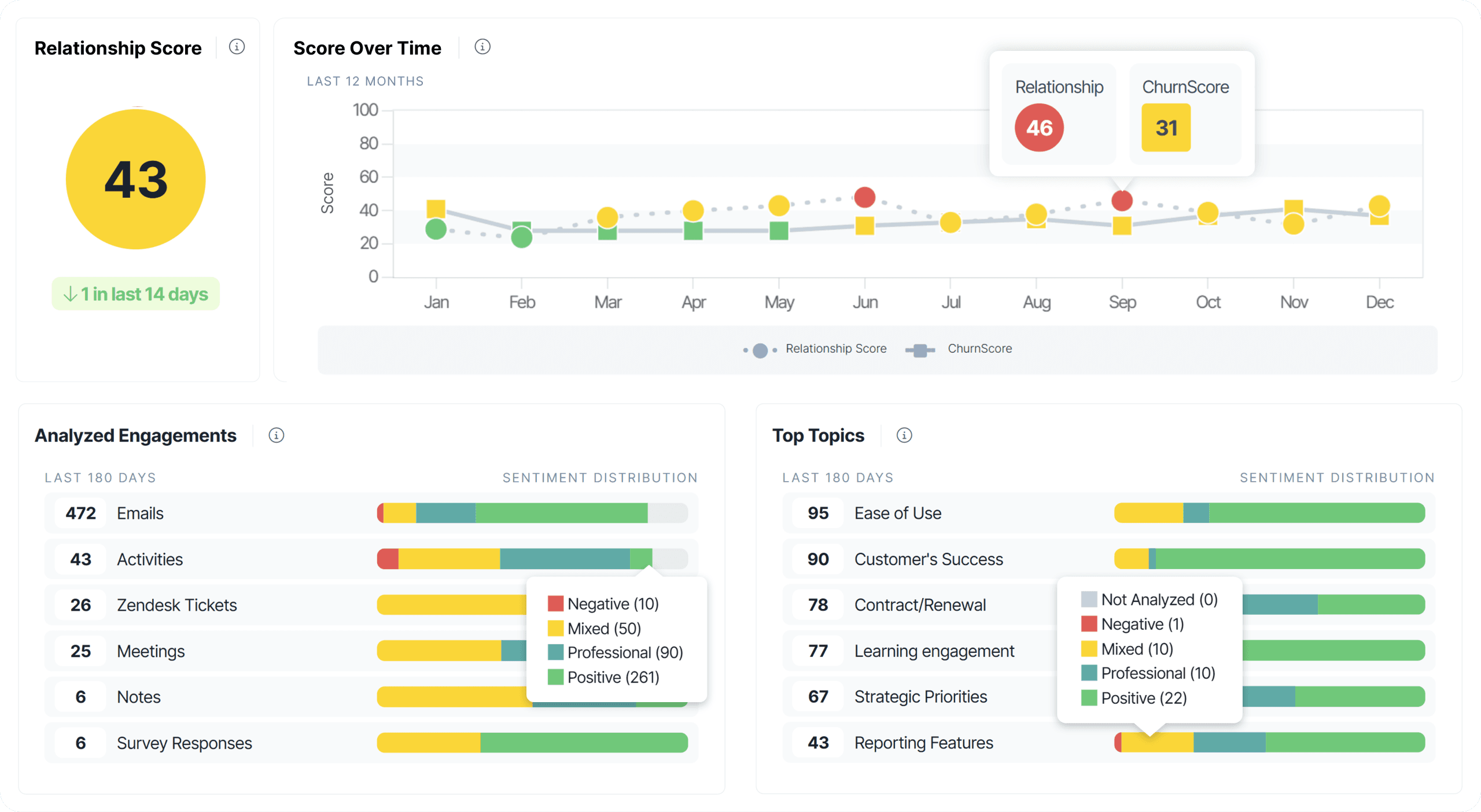
ChurnZero offers the automation Gainsight promises but makes actually usable. Where Gainsight's workflows require extensive configuration, ChurnZero's playbooks are intuitive and quick to build. Best for mid-market teams wanting sophisticated automation without Gainsight's complexity and cost.
What Makes ChurnZero Unique
Best Playbook Builder: Most intuitive automation in CS software—build complex journeys without developer help or weeks of training.
3 Month Implementation: vs. Gainsight's 3-6 months, significantly faster to value.
$28k-$75k Pricing: Fraction of Gainsight's cost, accessible to mid-market.
Exceptional Support: Team invests in your success vs. Gainsight's declining support quality.
How it Compares to HQ1
ChurnZero has excellent playbook automation but still requires manual configuration and rule building. HQ1's AI proactively identifies opportunities without you creating triggers—learns from data and adapts. ChurnZero automates what you already know; HQ1 tells you what you should do based on signals you'd miss.
Drawbacks
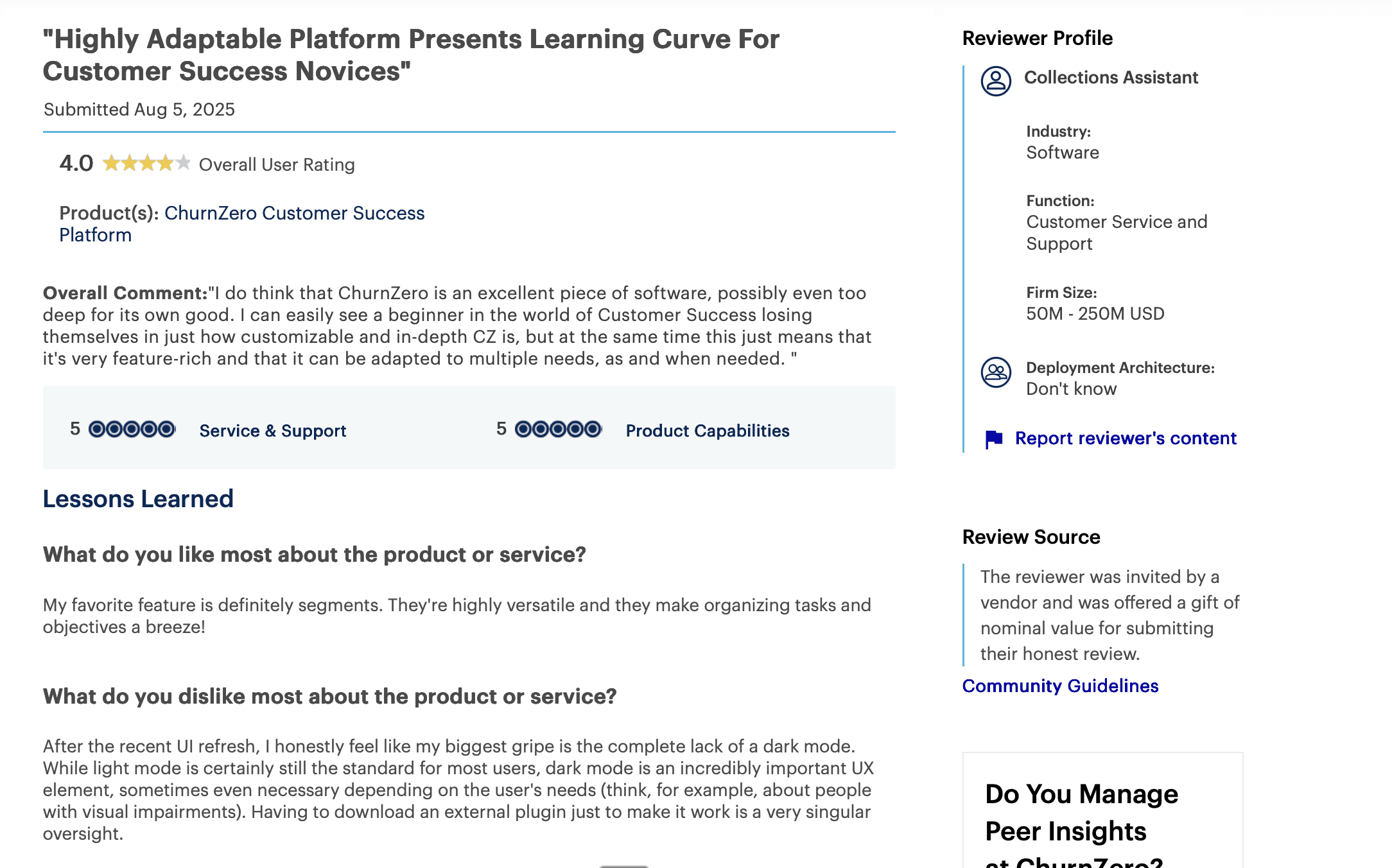
Plays and Journeys fragmented into separate features
Multi-clause reporting requires combining multiple reports
Not built for Gainsight-scale complexity (1000+ accounts)
Pricing escalates as you add modules
Best Suited For
Mid-market teams (10-50 CSMs) with clear customer journeys wanting powerful automation without Gainsight's enterprise overhead and cost.
Pricing
$28k–$75k/year
Implementation Time
3 months
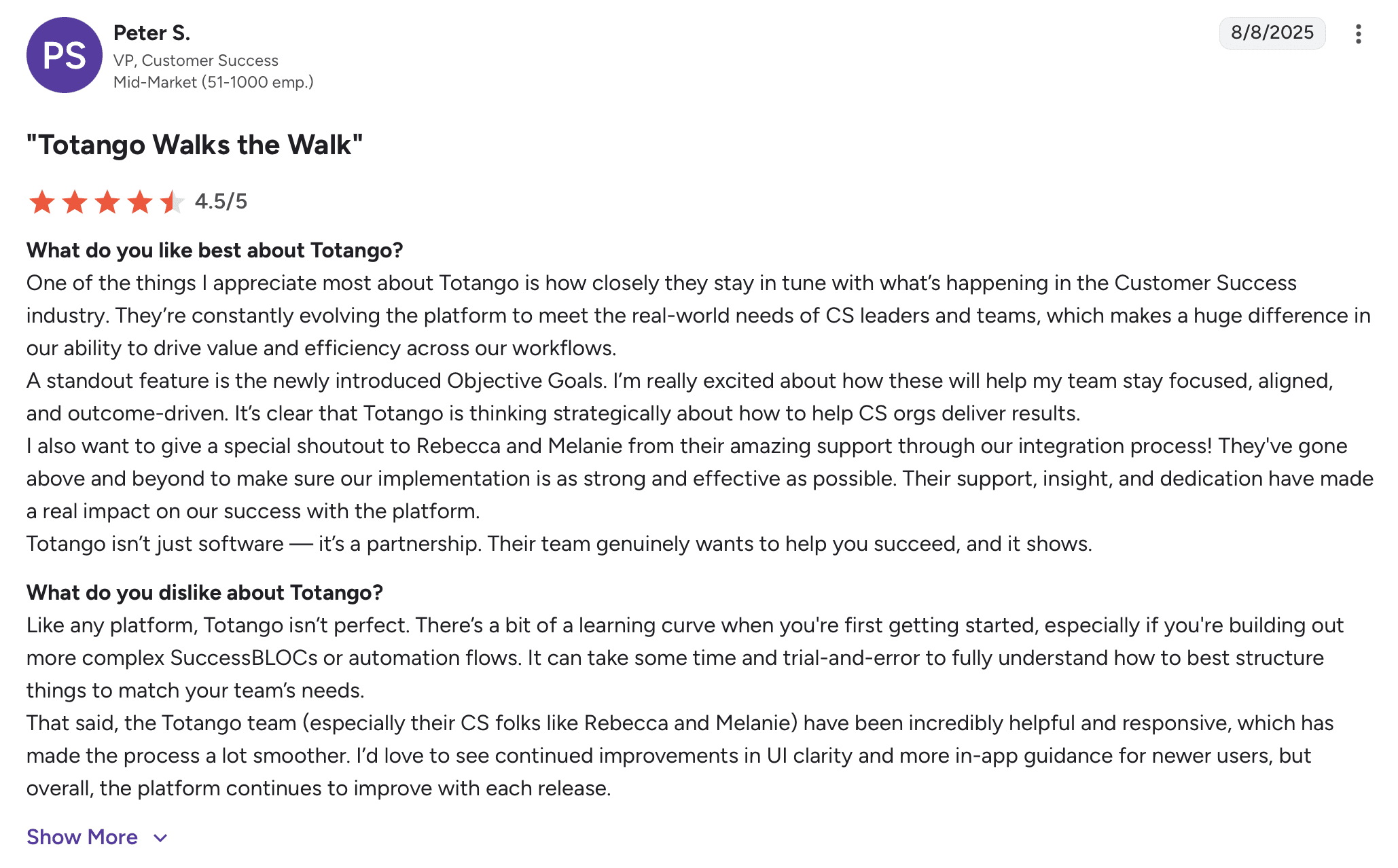
4. Totango
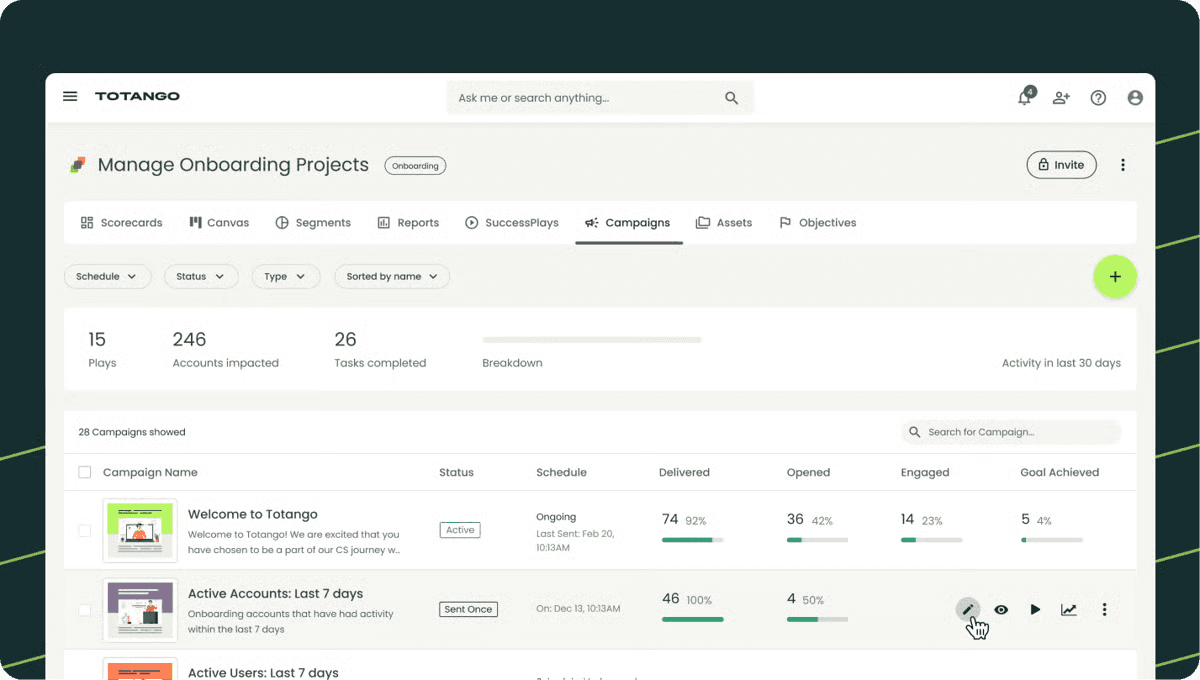
Totango competes directly with Gainsight for Salesforce-centric enterprises. Where Gainsight tries to be platform-agnostic, Totango goes deep on Salesforce native integration. Best for teams where Salesforce is non-negotiable and Gainsight's recent Salesforce sync issues are concerning.
What Makes Totango Unique
Salesforce-Native: Deep integration vs. Gainsight's connector approach—especially relevant given Gainsight's recent Salesforce issues.
Pre-Built Playbooks: Industry best practices vs. building everything from scratch in Gainsight.
Faster Implementation: 2-4 months vs. Gainsight's 3-6 months.
Objective Goals: Focuses teams on outcomes vs. Gainsight's activity-heavy approach.
How it Compares to HQ1
Totango makes Salesforce data accessible; HQ1 makes it intelligent. Both integrate with Salesforce, but HQ1 adds AI that automatically enriches your CRM with insights from conversations and sentiment. Totango requires configuration; HQ1 works immediately. Choose Totango if Salesforce integration is paramount; choose HQ1 for intelligence.
Drawbacks
Still requires CS Ops resources to configure
$50k-$150k pricing, similar to Gainsight's lower end
Pricing opacity and contract inflexibility frustrate users
Limited journey management for complex workflows
Best Suited For
Mid-market to enterprise teams where Salesforce is the single source of truth and Gainsight's recent Salesforce problems are dealbreakers.
Pricing
$50k–$150k/year
Implementation Time
2-4 months
5. Custify
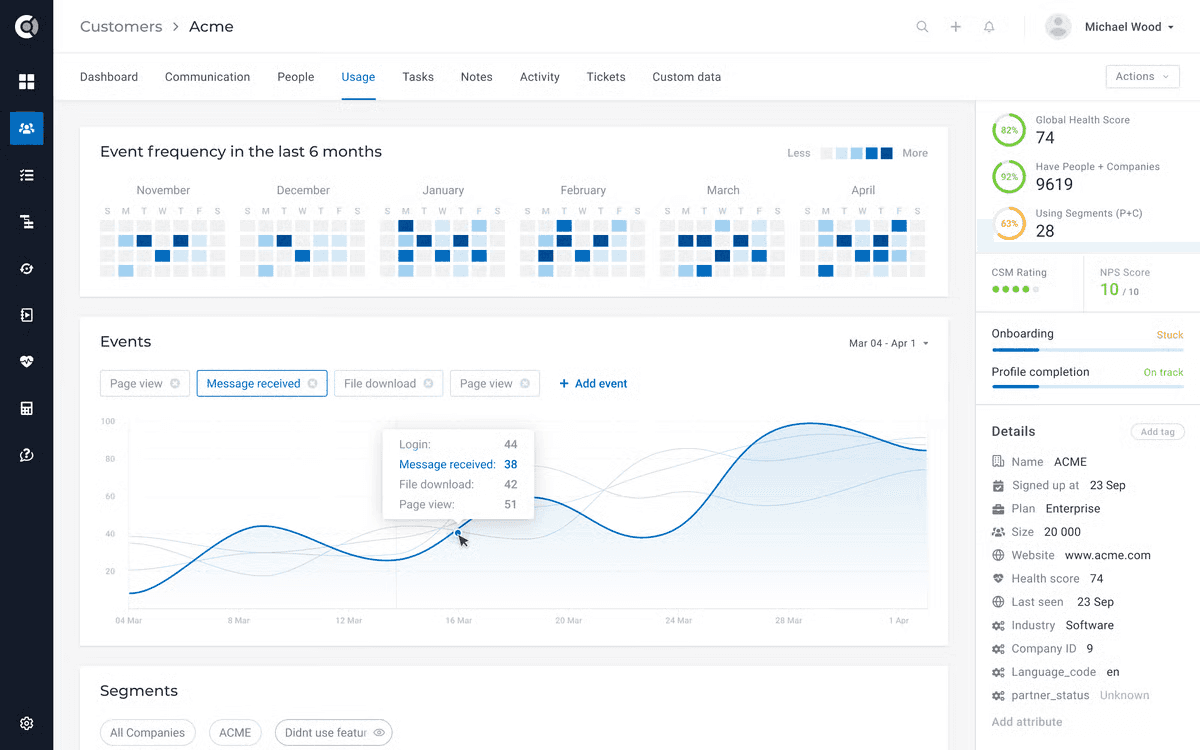
Custify offers Gainsight-like customization at mid-market pricing without requiring multiple CS Ops people. Where Gainsight needs 3-6 months and a team, Custify needs 4-8 weeks and one ops-minded person. Best for growing companies needing flexibility without Gainsight's enterprise complexity.
What Makes Custify Unique
Mid-Market Pricing: $20k-$60k vs. Gainsight's $100k+—dramatically more accessible.
One Person Can Configure: vs. Gainsight's requirement for multiple dedicated ops people.
Warehouse Integrations: Connect Snowflake, BigQuery, Redshift for custom data.
Responsive Support: Agile team vs. Gainsight's degraded post-layoff support.
How it Compares to HQ1
Custify offers customization at reasonable pricing but still requires manual workflow building and data interpretation. HQ1's AI automatically detects patterns, enriches CRMs, alerts teams. Custify is flexible; HQ1 is intelligent. Choose Custify if you want to build models yourself; choose HQ1 for AI that does it.
Drawbacks

Not built for Gainsight-scale enterprises (1000+ accounts)
Missing global revenue dashboard
Documentation gaps in key areas
EMEA support creates time zone challenges
Best Suited For
Mid-market teams (50-200 accounts) with one CS Ops-minded person wanting customization without Gainsight's cost and complexity.
Pricing
$20k–$60k/year
Implementation Time
4-8 weeks
6. Vitally

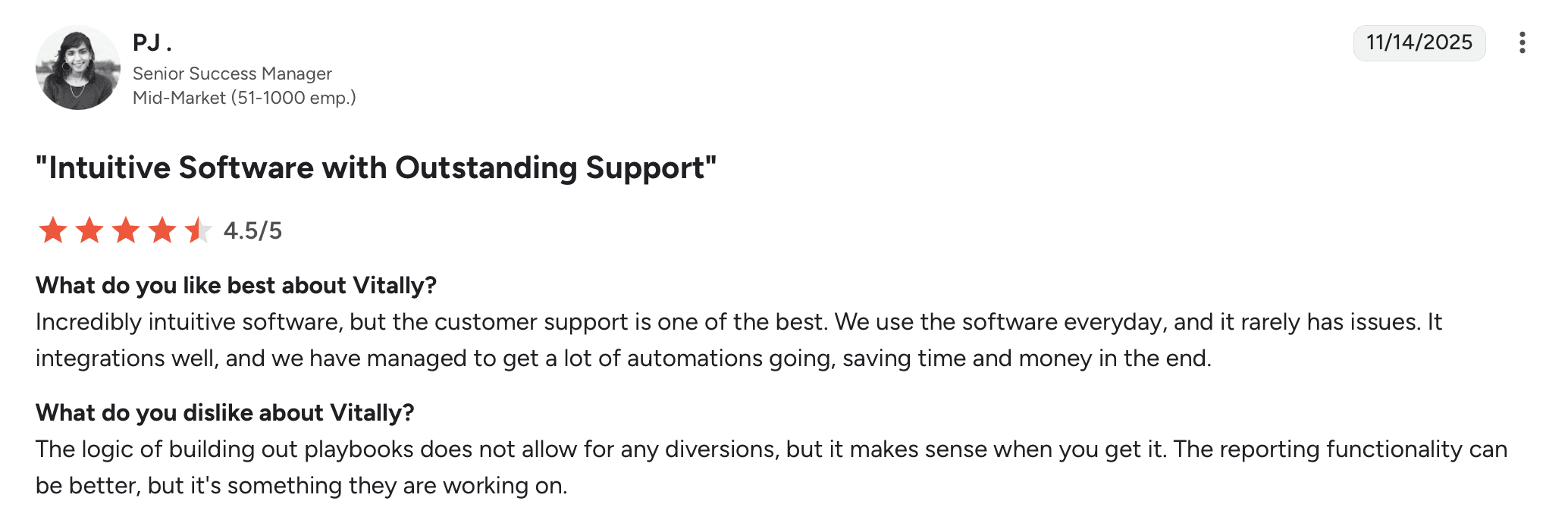
Vitally targets product-led companies leaving Gainsight. Where Gainsight handles enterprise complexity, Vitally specializes in product usage analytics with quick setup. Best for PLG companies that adopted Gainsight early but find it overkill for their needs.
What Makes Vitally Unique
Product Usage Focus: Deep analytics on feature adoption vs. Gainsight's broader but shallower approach.
2-4 Week Implementation: Dramatically faster than Gainsight's months-long process.
Custom Objects: Flexible data models vs. Gainsight's rigid structure.
PLG-Friendly: Built for freemium/trial models vs. Gainsight's enterprise sales focus.
How it Compares to HQ1
Vitally shows what customers do in your product; HQ1's AI understands why they're doing it and what it means for revenue. Vitally requires manual interpretation; HQ1 automatically detects expansion signals, churn risks, competitor threats across product AND conversations. Vitally is product-centric; HQ1 is revenue-centric.
Drawbacks
Single account owner limitation—can't handle Gainsight-level enterprise complexity
Technical setup despite plug-and-play reputation
Expensive AI features for limited outcomes
Missing bi-directional sync for core integrations
Best Suited For
PLG companies (50-500 customers) that adopted Gainsight early but need product-focused platform vs. enterprise complexity.
Pricing
On request
Implementation Time
2-4 weeks
7. Catalyst
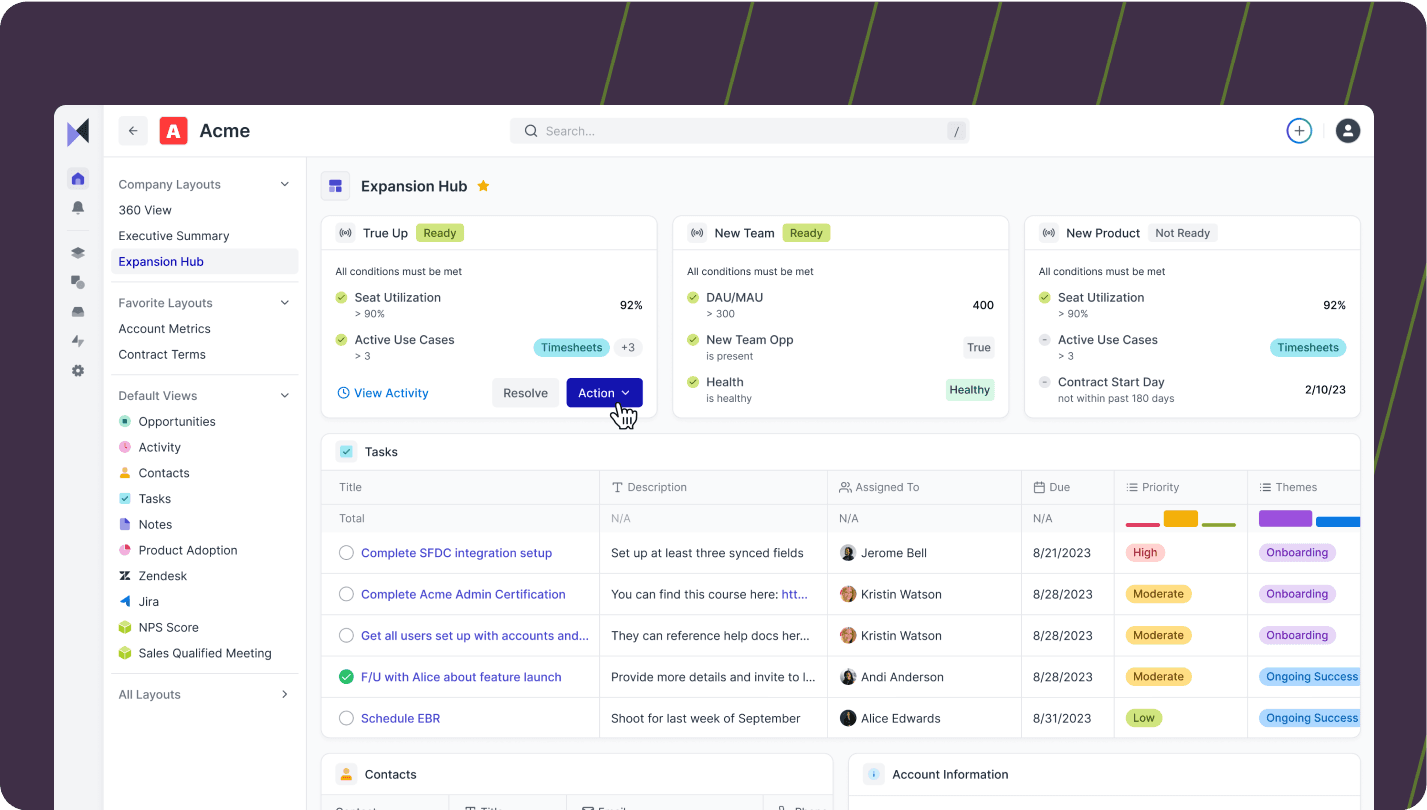
Catalyst positions itself as the modern alternative to Gainsight's legacy architecture. Where Gainsight feels dated, Catalyst offers modern UI and relationship intelligence. Best for teams prioritizing collaboration and relationship mapping over Gainsight's comprehensive-but-clunky approach.
What Makes Catalyst Unique
Relationship Mapping: Visual stakeholder maps vs. Gainsight's text-heavy contact management.
Modern Architecture: Built recently vs. Gainsight's aging codebase causing performance issues.
Collaboration-First: Designed for cross-functional teams vs. Gainsight's CS-silo approach.
Faster Implementation: 2-4 weeks vs. Gainsight's months.
How it Compares to HQ1
Catalyst focuses on relationship tracking; HQ1 focuses on revenue intelligence. Catalyst shows who's engaged; HQ1's AI interprets what engagement means for outcomes. Choose Catalyst for relationship visibility; choose HQ1 for actionable intelligence and automated workflows.
Drawbacks
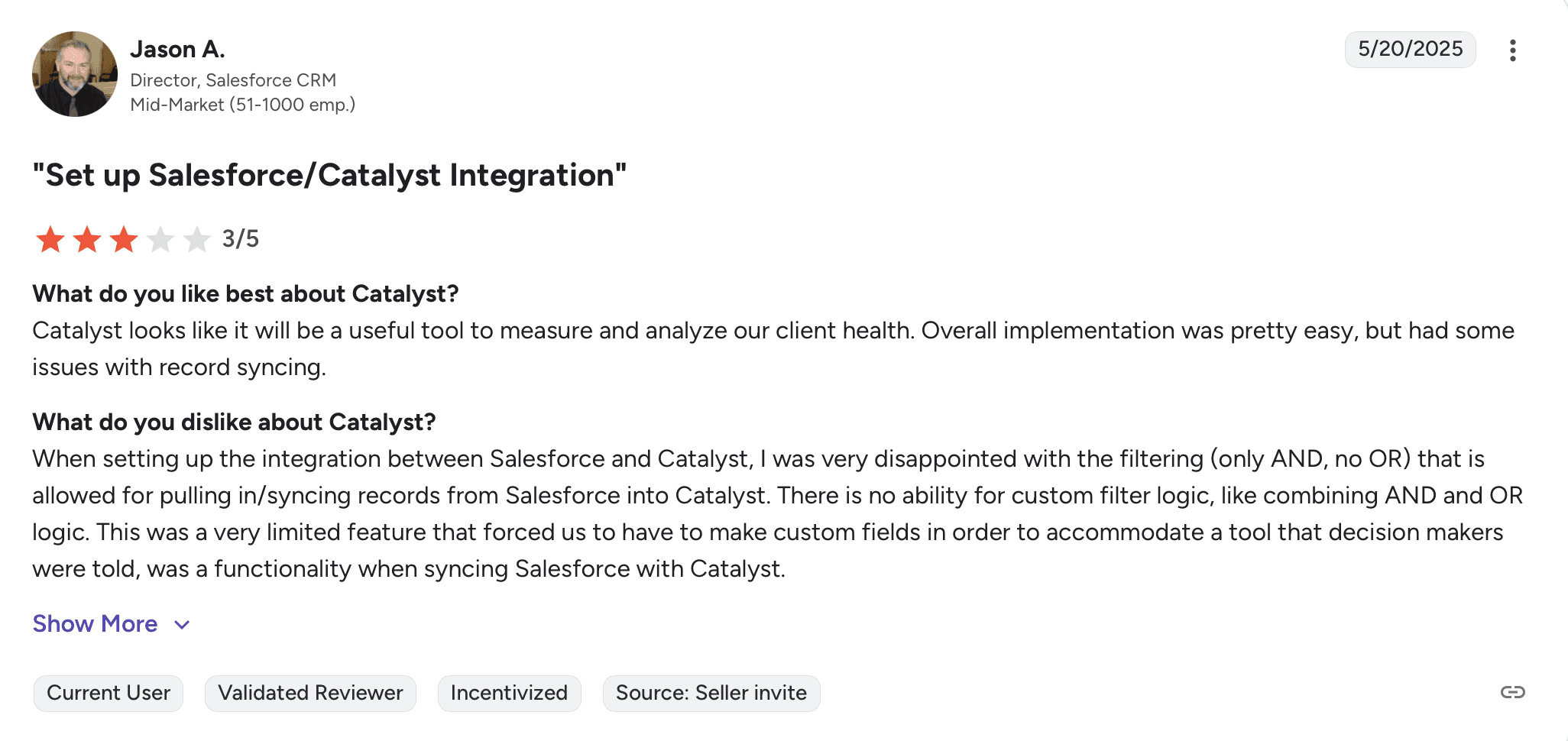
Smaller feature set than Gainsight's comprehensive offering
Newer platform means less mature integrations
Limited product usage tracking
Product still evolving—pricing and features in flux
Best Suited For
Mid-market teams (20-100 CSMs) prioritizing modern UX and relationship intelligence over Gainsight's feature breadth.
Pricing
On request
Implementation Time
2-4 weeks
8. ClientSuccess
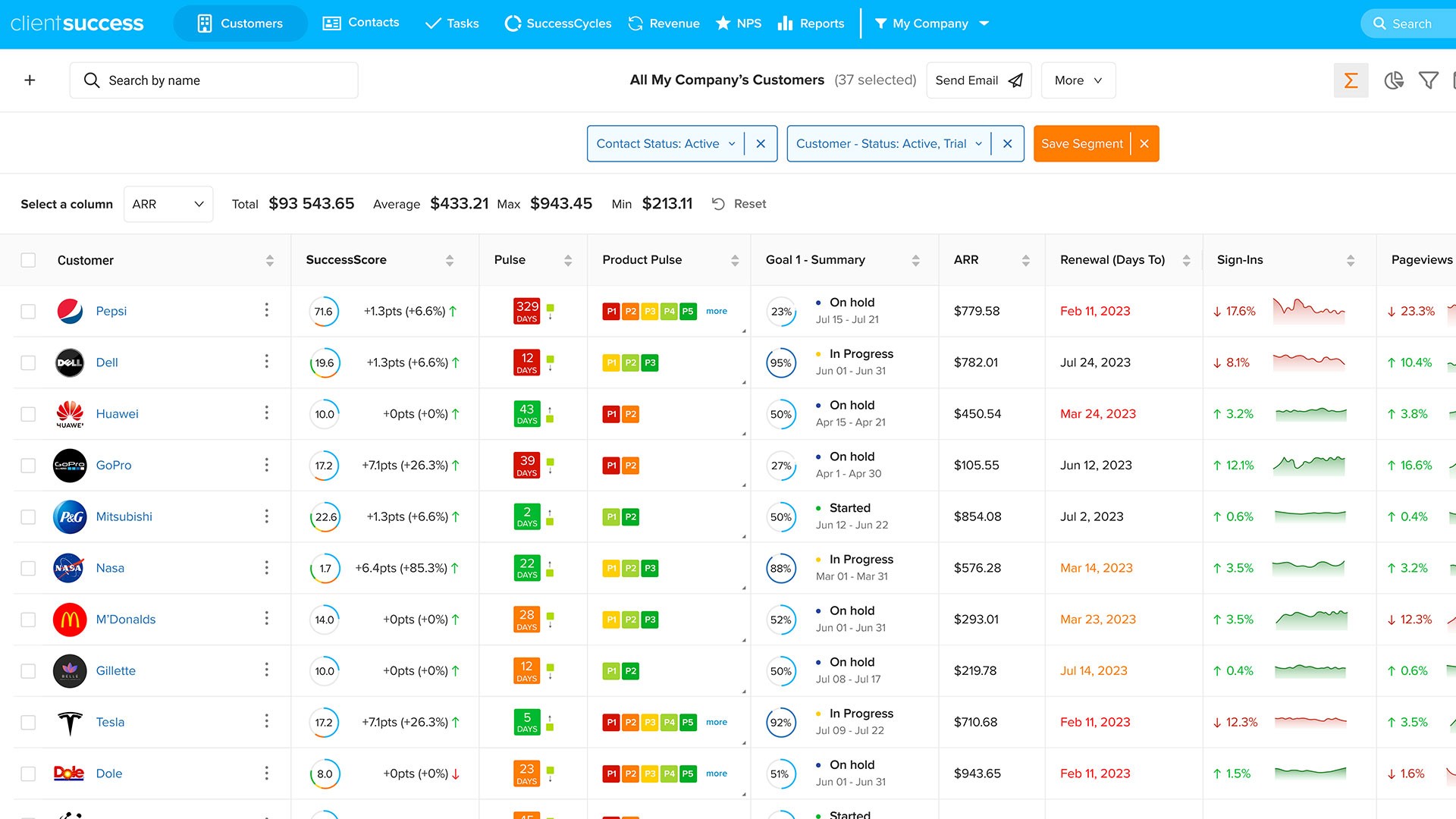
ClientSuccess is the budget option for teams that can't justify Gainsight's $100k+ pricing. Where Gainsight offers comprehensive features, ClientSuccess offers core CS basics. Best for smaller teams that were oversold Gainsight and need to downgrade to essentials.
What Makes ClientSuccess Unique
Affordable: $8k-$34k annually—fraction of Gainsight's cost.
Quick Setup: 2-4 weeks vs. Gainsight's months of implementation.
Simple: Core functionality without overwhelming complexity.
Email Sync: Basic communication tracking vs. Gainsight's extensive but complex timeline.
How it Compares to HQ1
ClientSuccess offers basics affordably; HQ1 delivers AI intelligence ClientSuccess can't match. ClientSuccess is a coordinator; HQ1 is an analyst. Choose ClientSuccess only if budget constraints prevent proper CS investment and you have very simple needs.
Drawbacks
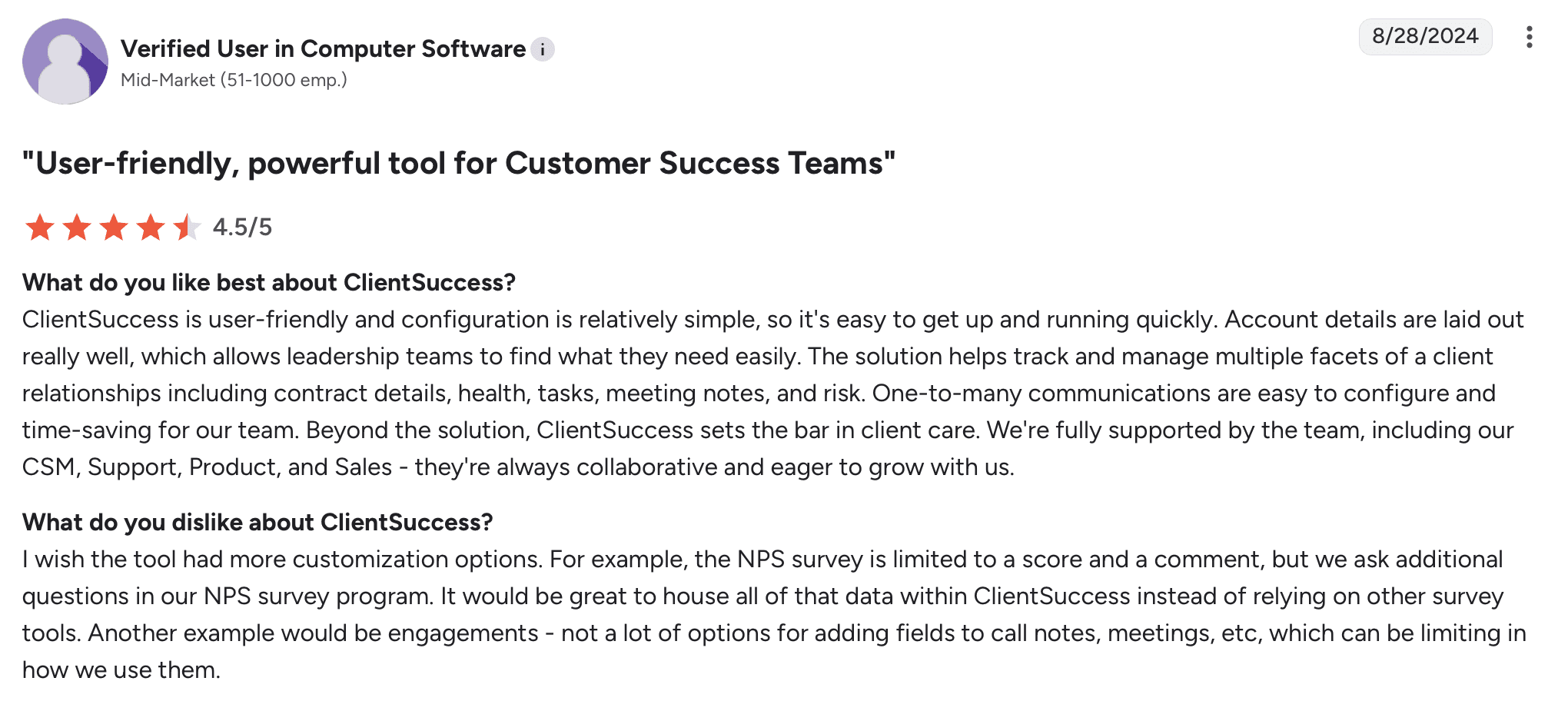
Extremely limited compared to Gainsight's breadth
Doesn't scale beyond small teams
Few integrations
Missing features enterprises expect
Best Suited For
Small teams (<10 CSMs, <100 customers) that were oversold Gainsight and need to right-size to affordable basics.
Pricing
$8k–$34k/year
Implementation Time
2-4 weeks
9. Pylon

Pylon takes a completely different approach from Gainsight—Slack-native support vs. comprehensive CS platform. Where Gainsight tries to do everything, Pylon does conversation management exceptionally well. Best for teams realizing they need support efficiency, not Gainsight's enterprise complexity.
What Makes Pylon Unique
Slack-Native: Everything in Slack vs. Gainsight's separate heavy platform.
1-3 Week Setup: Fastest implementation on this list vs. Gainsight's months.
Modern UI: Clean interface vs. Gainsight's dated design.
Support-First: Built for conversation management vs. Gainsight's account management focus.
How it Compares to HQ1
Pylon manages Slack conversations; HQ1 understands conversations AND product usage AND sentiment to deliver revenue intelligence. Pylon helps support teams respond faster; HQ1 helps CS teams drive retention and expansion. Different primary functions.
Drawbacks
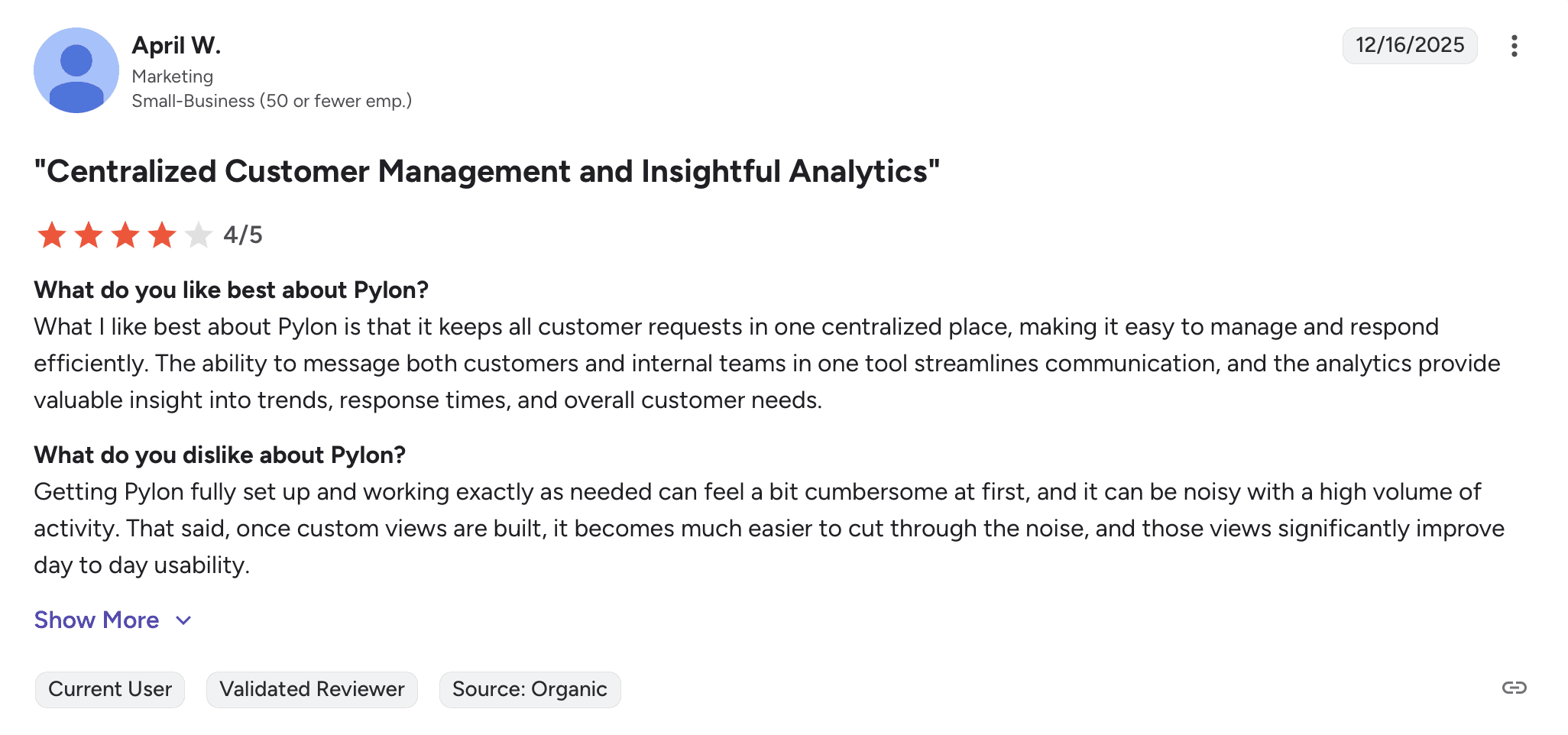
Support-first foundation—limited CS capabilities vs. Gainsight
Shallow customer intelligence
Limited product usage tracking
Not built for enterprise complexity Gainsight handles
Best Suited For
Small to mid-market teams realizing they need support tools, not comprehensive CS platform Gainsight provides.
Pricing
~$100/seat/month + AI add-ons
Implementation Time
1-3 weeks
10. Zapscale

Zapscale offers predictive analytics vs. Gainsight's comprehensive platform approach. Where Gainsight requires building workflows manually, Zapscale uses AI to flag churn risks and growth opportunities. Best for data-driven teams wanting predictive capabilities without Gainsight's operational overhead, though organizational instability raises concerns.
What Makes Zapscale Unique
Predictive Churn Analytics: AI models flag risks before obvious distress vs. Gainsight's manual rule configuration.
Growth Detection: Identify expansion opportunities from adoption patterns automatically.
Easy Setup: 3-6 week implementation vs. Gainsight's months-long process.
Lower Complexity: Less operational burden than Gainsight's enterprise requirements.
How it Compares to HQ1
Zapscale predicts what might happen; HQ1 detects what's happening and acts automatically. Zapscale flags risks requiring manual response; HQ1's AI enriches CRMs and alerts teams without manual follow-up. Plus, Zapscale's organizational instability (broken demo, employee departures) makes HQ1 a safer long-term bet.
Drawbacks
Organizational red flags—broken website demo, recent employee departures
Passive predictions requiring manual interpretation and response
Trigger overload generates excessive tasks making prioritization difficult
Analytics quality heavily dependent on pristine data and integrations
Smaller market presence raises viability and continued investment concerns
Best Suited For
Small to mid-market data-driven teams with clean data infrastructure wanting predictive analytics, willing to overlook organizational concerns.
Pricing
On request
Implementation Time
3-6 weeks
Making the Right Choice
Gainsight excels when you're a large enterprise with unlimited CS Ops resources and need maximum governance. But most teams don't need a platform that can do everything—they need one that does the right things intelligently without requiring an army to configure and maintain it.
Choose HQ1 if you:
Want enterprise intelligence without 3-6 month implementation
Don't have (or don't want) multiple dedicated CS Ops people
Need AI that acts automatically vs. building every workflow manually
Want to avoid Gainsight's $100k+ pricing and performance issues
Value speed to productivity over maximum configurability
Choose another platform if:
You're massive enterprise (1000+ accounts) needing maximum governance → Consider staying with Gainsight despite issues
You have CS Ops and want customization at lower cost → Planhat
You're PLG-focused → Vitally
You're Salesforce-centric → Totango
You need basics affordably → ClientSuccess
You realize you need support tools, not CS platform → Pylon
The fundamental question isn't "which platform has the most features?" It's "do you want to build workflows or have AI build them for you?"
Gainsight gives you tools to configure everything. HQ1 gives you intelligence that works immediately. The platforms replacing Gainsight aren't trying to match feature breadth—they're trying to eliminate the need for feature configuration by delivering AI that thinks and acts automatically.
The Gainsight tax is real: $100k+ annually, 3-6 months implementation, multiple CS Ops people, slow performance, declining support. Ask yourself if you're paying for features you'll actually use or features you'll spend months trying to configure.
Related Articles & Fresh Insights
Keep exploring new perspectives, in-depth guides, and expert opinions, carefully curated to help you stay informed, inspired, and confident in every real estate decision.


Close more. Churn less. Grow continuously.
Unlock AI-driven enablement for your Sales and Customer Success teams — drive conversions, boost retention, and scale faster with HQ1.
